Connect Twitter
- Go to Social Media on the left side menu and expand this submenu.
- Click Account, click on Add New and select Twitter in the Popup.

-
In the dialog box click on Authorize app to complete the process.
-
On completion you'd be redirected back the admin portal.
-
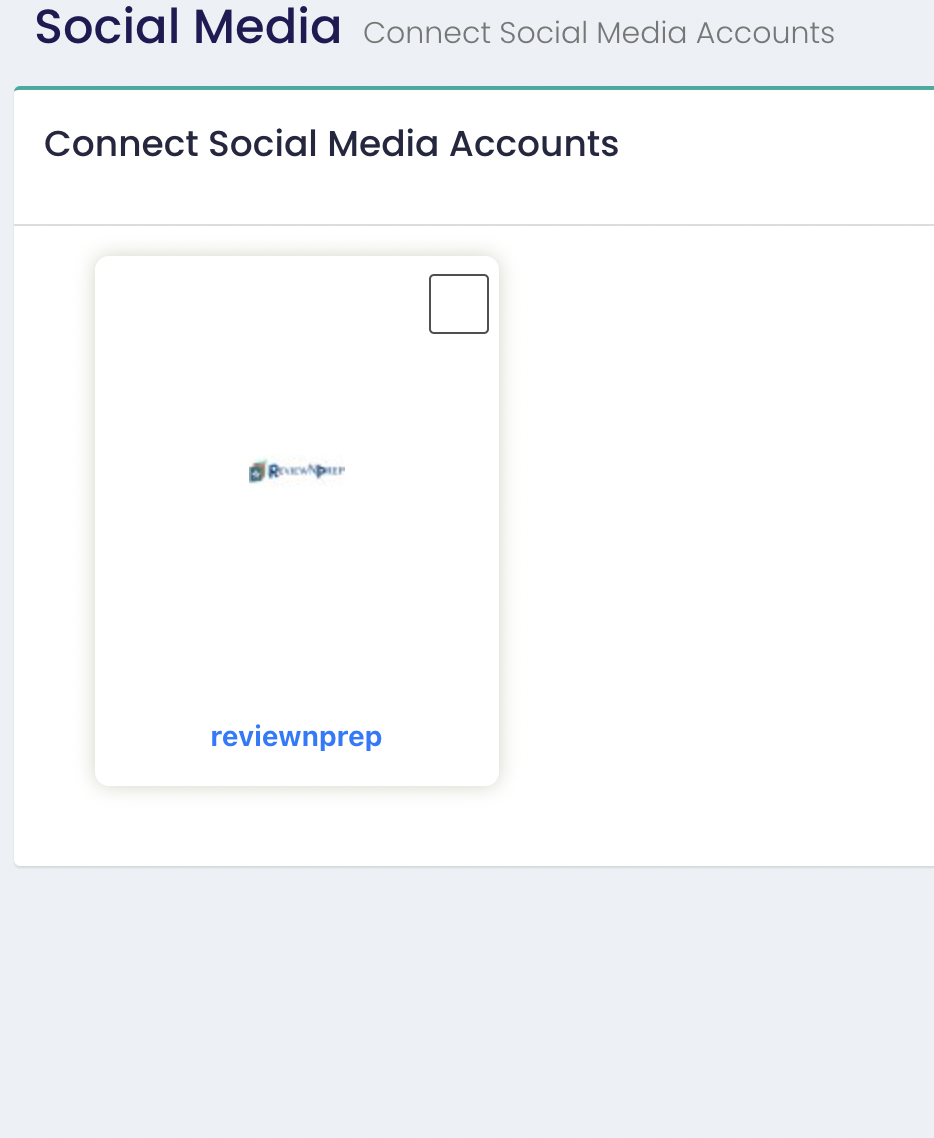
Make sure you select the checkbox on the top right as shown below:
- Wait for the successfully added message and your Twitter account should show up in the List of Accounts.