Go to Social Media on the left side menu and expand this submenu.
Click Account, select Add New LinkedIn Page Or Profile and continue.
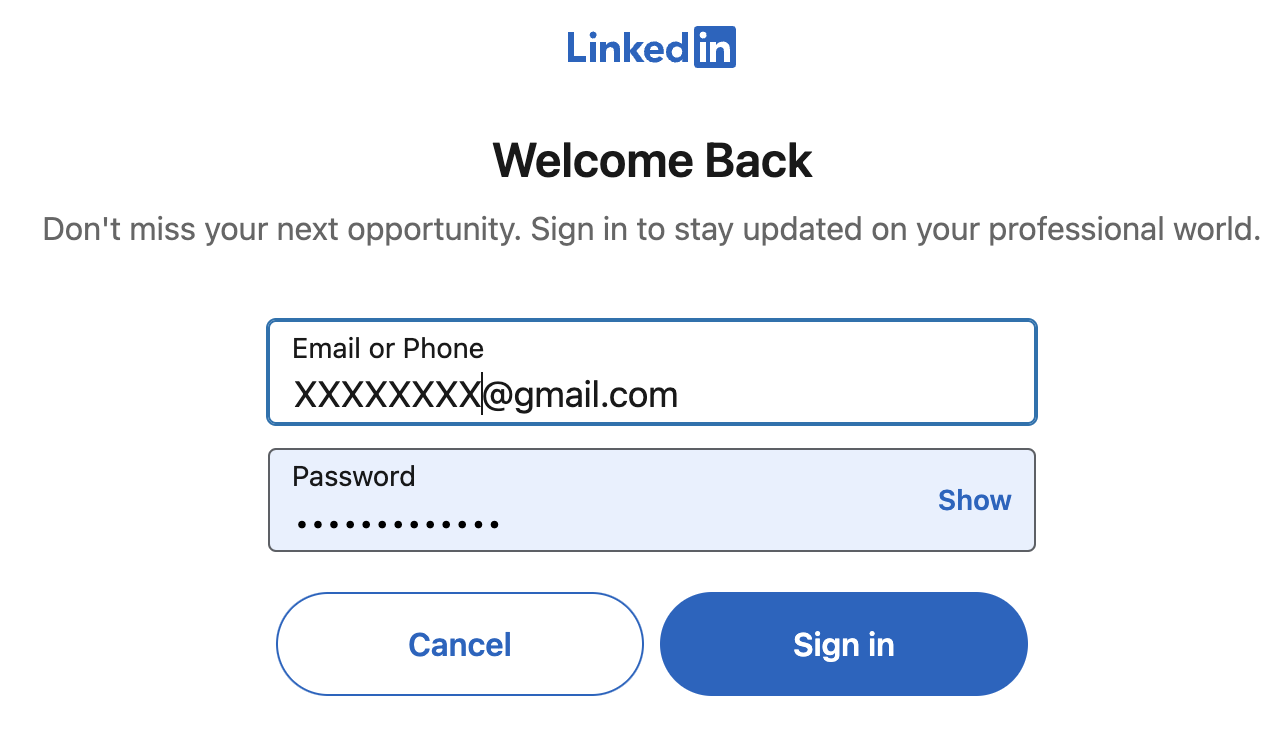
Type in your LinkedIn account credentials and Sign In.
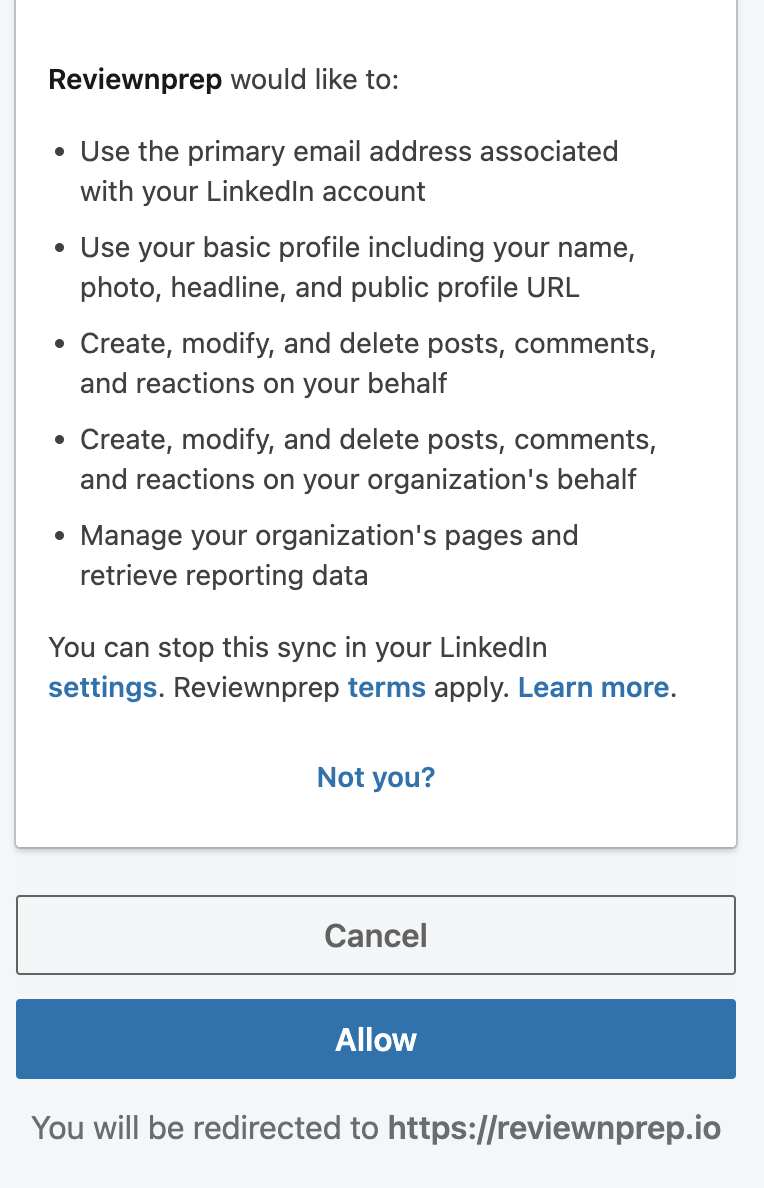
Allow ReviewNPrep app to access the page or profile.
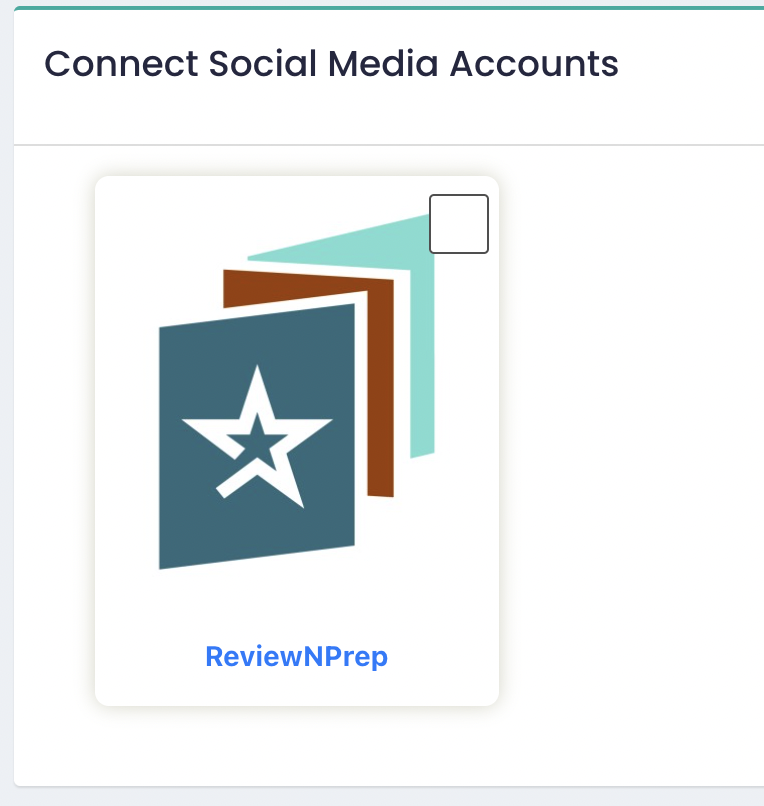
On redirect back, the application will show you all the pages you manage or the profile you want to connect to. Click on the page/profile you want to post on by checking the top right corner.
Wait for the success message and LinkedIn Page should show up in the list of added accounts.