Connect Instagram
NOTE: **For the moment only **Instagram Business accounts that have been connected to a Facebook Page are supported.
- Go to Social Media on the left side menu and expand this submenu.
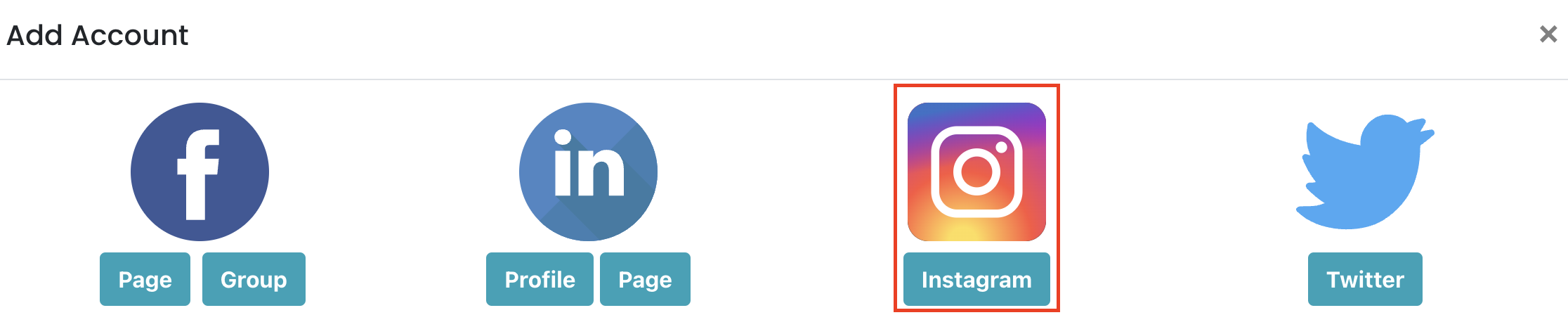
- Click Account, click on Add New and select Instagram in the Popup.
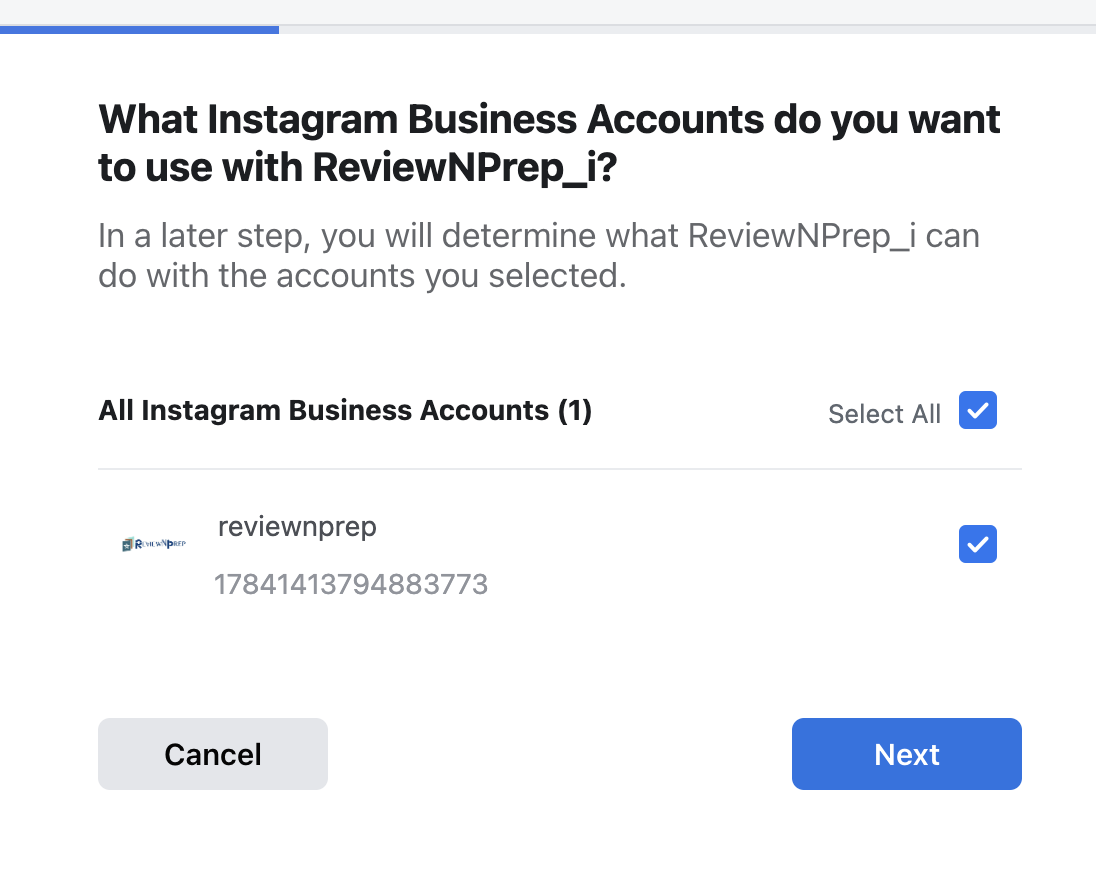
3. Make sure to check all the Instagram Business accounts and click on Next.
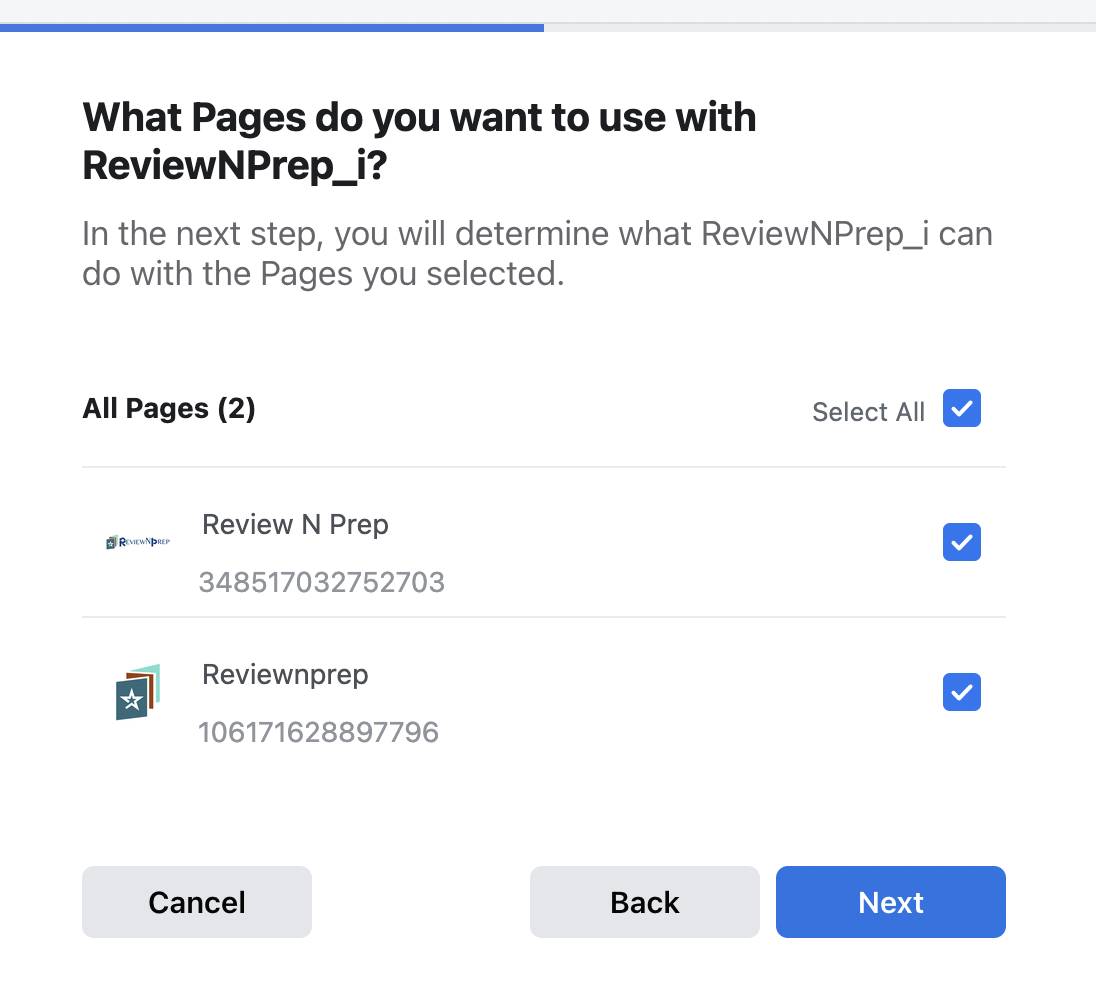
4. Make sure to check all the Facebook Pages that you want to use on Publer and click Next.
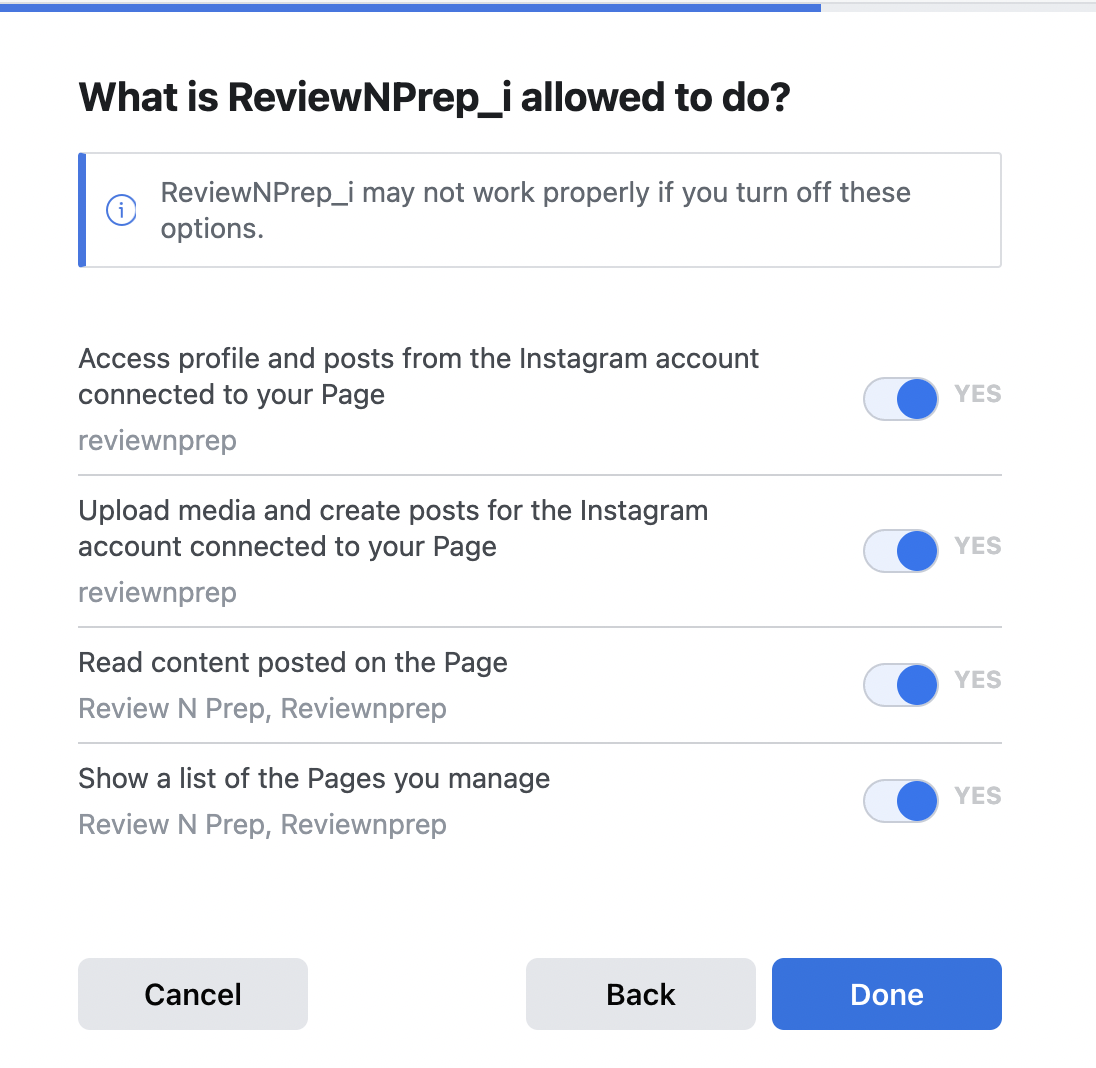
- Select all the options and click done
- You will be redirected to the admin panel. Make sure you check the top right box to add the instagram account(s).
- Wait for the success message and you are all set to use Instagram.