Connect Pinterest
-
Go to Social Media.
-
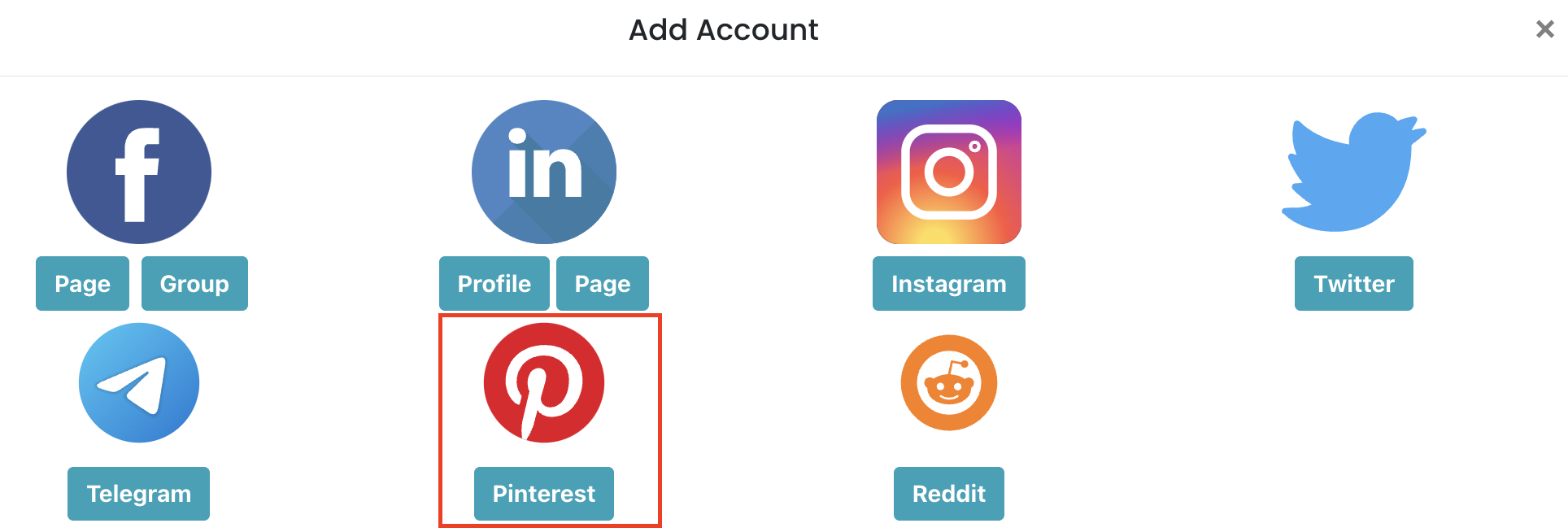
Click **Add New **and select Pinterest.
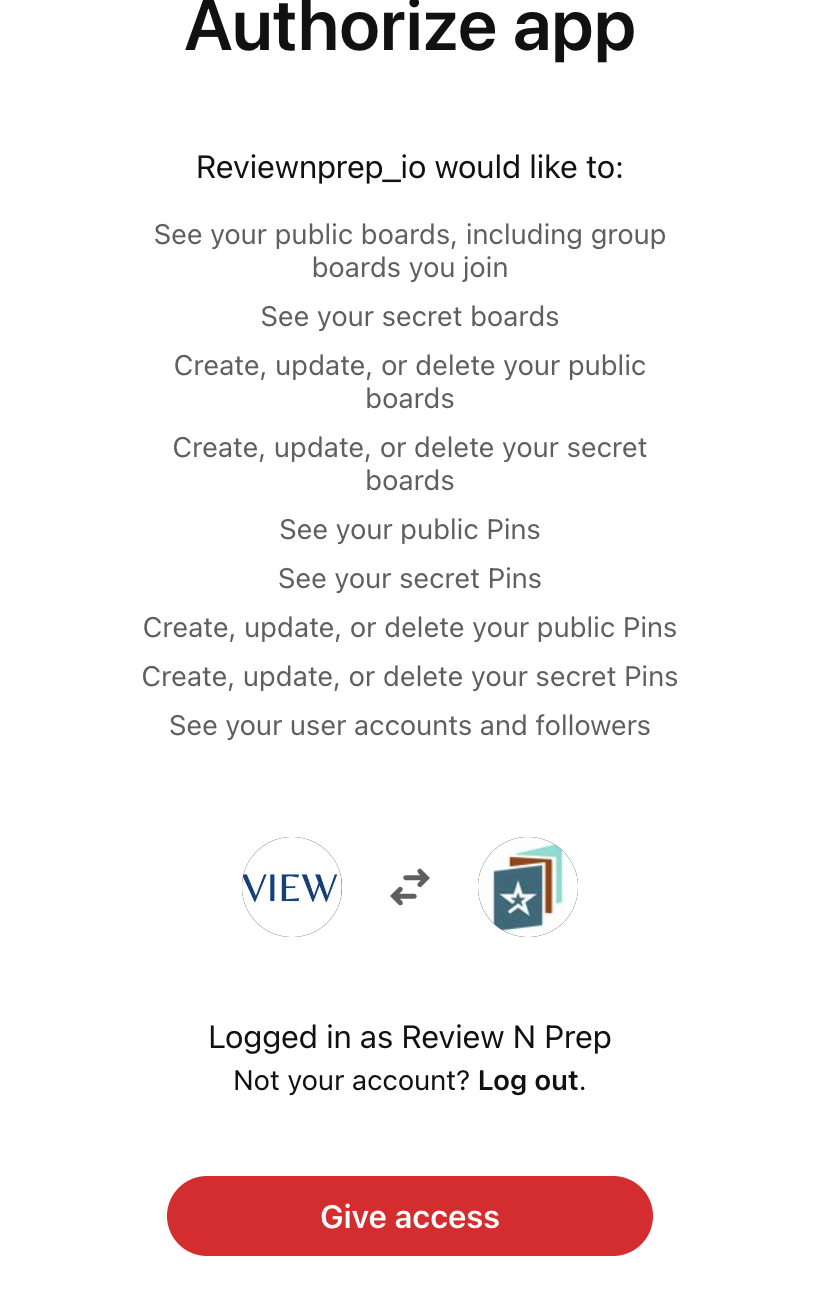
- Give Access to ReviewNPrep_io as shown below:
- Finally, select the accounts you want to add for posting.
- You are now able to start posting to Pinterest directly.
To schedule a Pinterest Pin:
- Go to Create a Post and select your Pinterest account on the left.
- Design the post image and ensure you are abiding by the restrictions from Pinterest.
- Add a Pin Title, write a **description **for your Pin
- For Pinterest, filling Media Options details is mandatory as shown below:
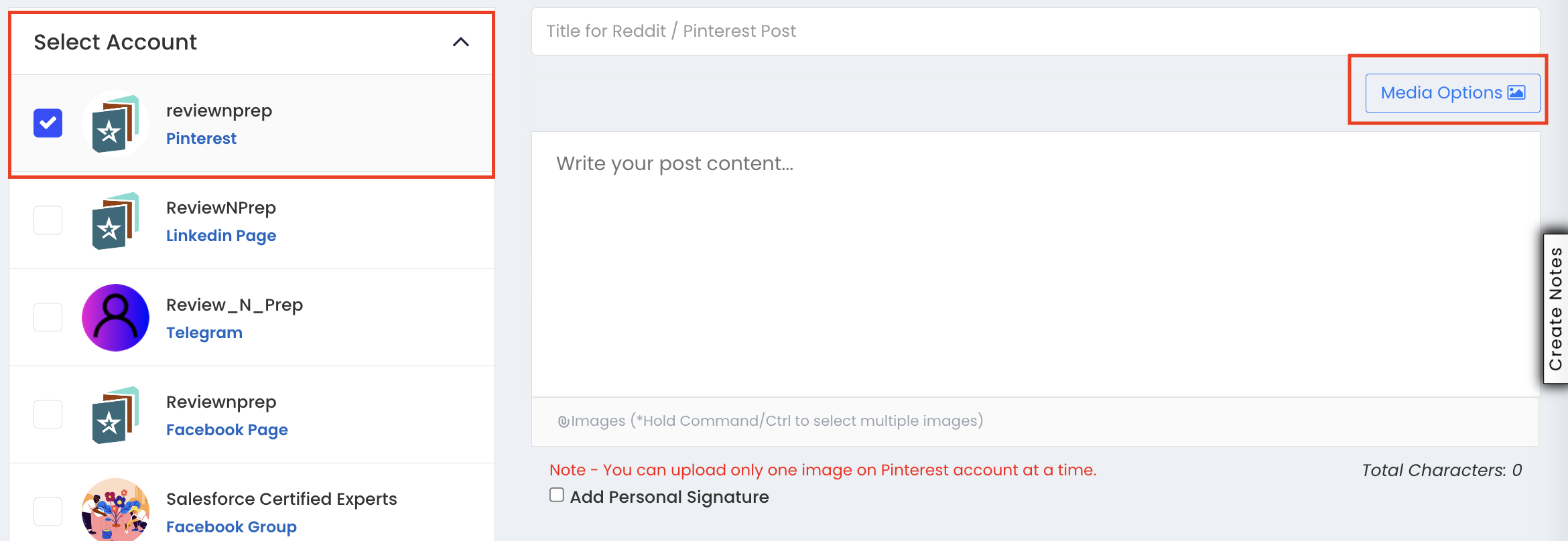
- Click on Media Options and fill the details. It is good practice that you have the Board Name. You can create a board if it doesn't exist. Example below:
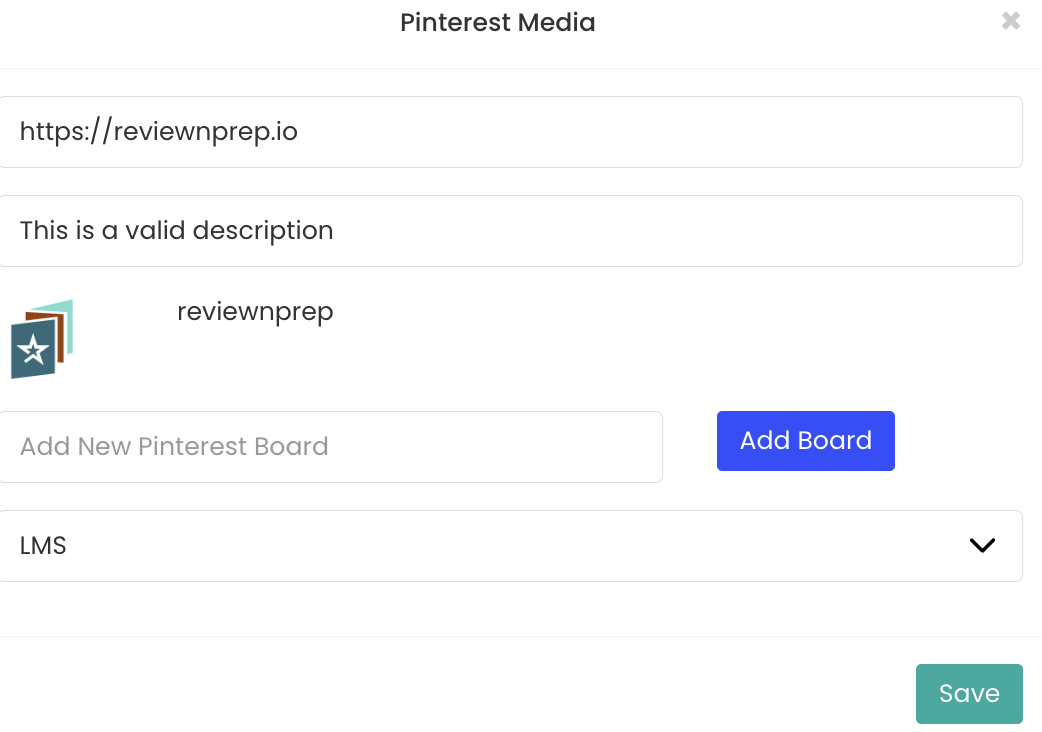
- And a valid URL to link the new Pin with.
- You can also add Alt text to your Pinterest photo, in the Media Options