Subdomain Settings
A subdomain is an additional part that comes before the naked domain. At the time of purchasing the domain, you'd configure a sub-domain. The screen layout is slightly different if you are an instructor on our marketplace (reviewnprep.com/marketplace) vs custom domain users (reviewnprep.io)
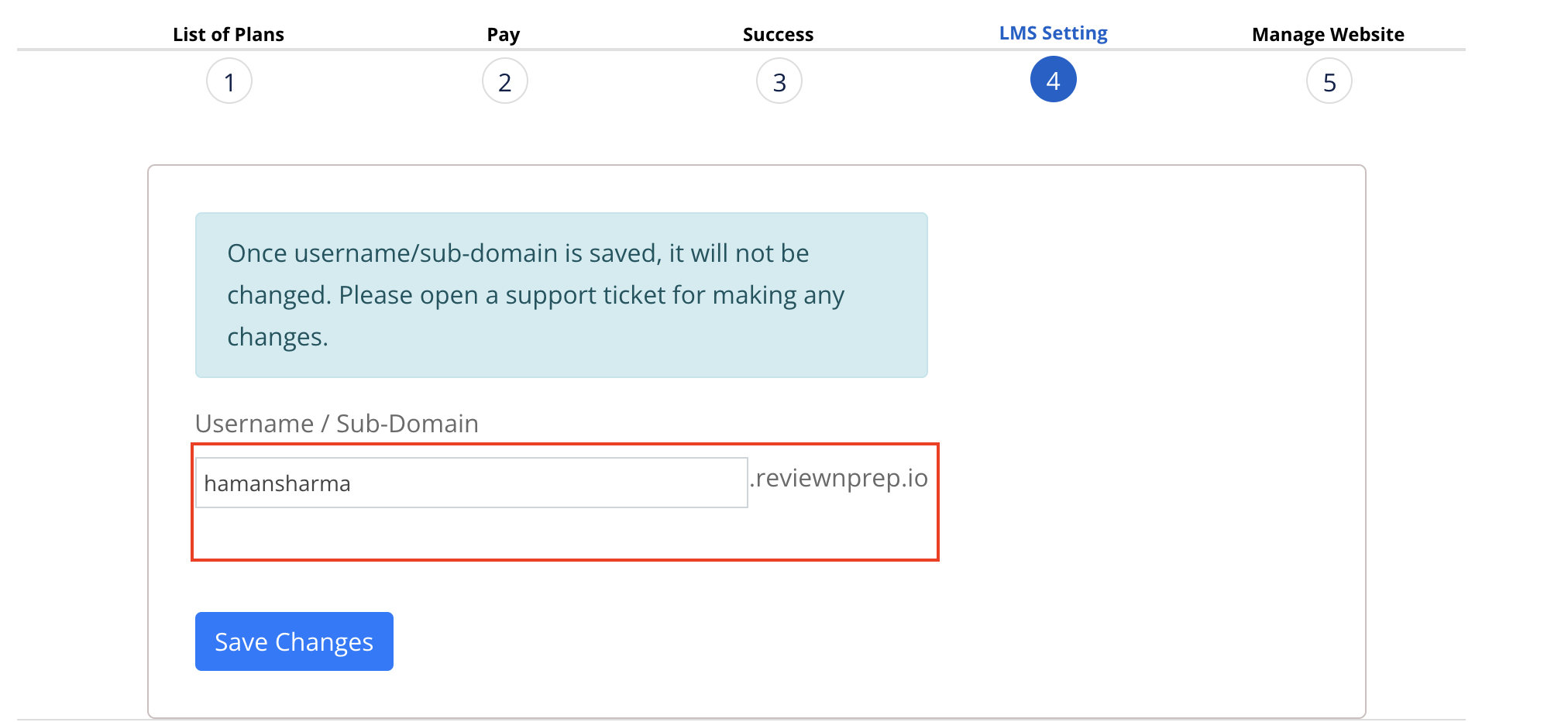
This section helps you to create a sub-domain under Reviewnprep by typing in a desired username. This subdomain is assigned only to you. This will be your school name on ReviewNPrep. You need to do this before we can assign your domain name pointed to our application.
At this point, we also create an SSL for your subdomain. If the SSL creation fails, please open a ticket for our support team from your instructor portal.
Marketplace Users - The link is here.
Custom Website Users - This link is here.
NOTE: Once verified, the subdomain cannot be changed automatically by user. If you desire to change the domain, please open a ticket from your instructor portal. The link is here
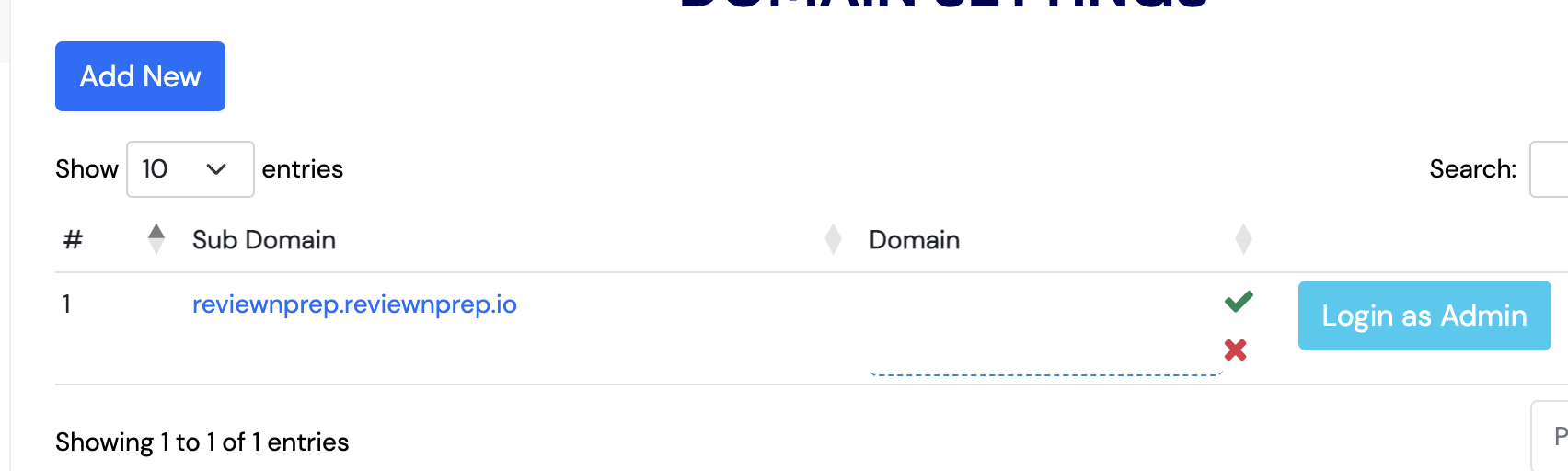
Screenshot for Custom Website users (after addition):
Screenshot for Marketplace users (before addition):