Enable http Domain Forwarding
There can be a use case, where user accidentally types in http instead of https in the browser. It is important to re-direct users to the https version of your website as this is most secure and browsers would not show a warning with this.
ReviewNPrep internally handles pointing http to https, however, some domain providers work differently. It is important you follow the steps to ensure the end-users do not get a "not secured website" message.
Based on your domain provider, the process might be slightly different, but the general idea is the same.
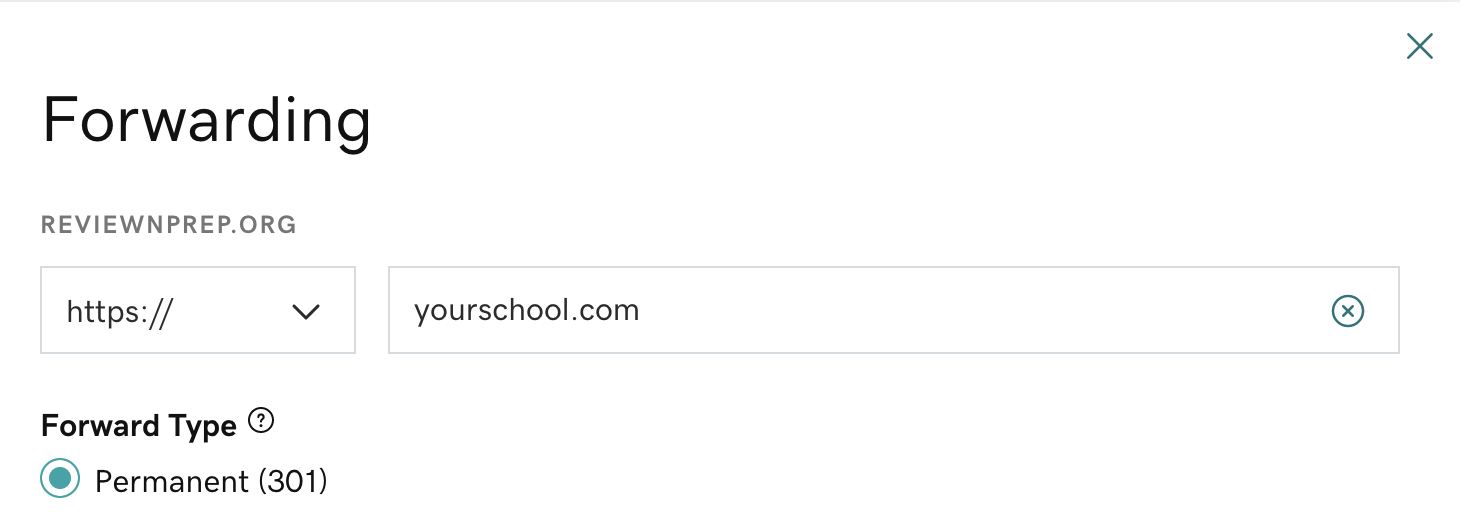
Login to your domain hosting provider and look for the option of domain forwarding. Make sure you redirect
Below is what it looks like in GoDaddy.
For any domain provider, make sure you do a 301 permanent re-direct to yourschool.com (change name accordingly).