Google Analytics
To track analytics on the website, Google Analytics is the best and free tool available. While there are other tools available, ReviewNPrep suggests you enable Google Analytics for your website.
-
If you are new to Analytics, check the official documentation provided by Google for this purpose. Link to Google Analytics Documentation.
-
Once you have set up your Google Analytics account, you need to select the option "Set up data collection (for websites)" .
-
You need the js code once you have set it up. Your Analytics page tag is the entire section of code that appears, beginning with:
<!-- Global Site Tag (gtag.js) - Google Analytics -->and ending with</script>- Copy and paste your entire Analytics page tag on each page of your website.
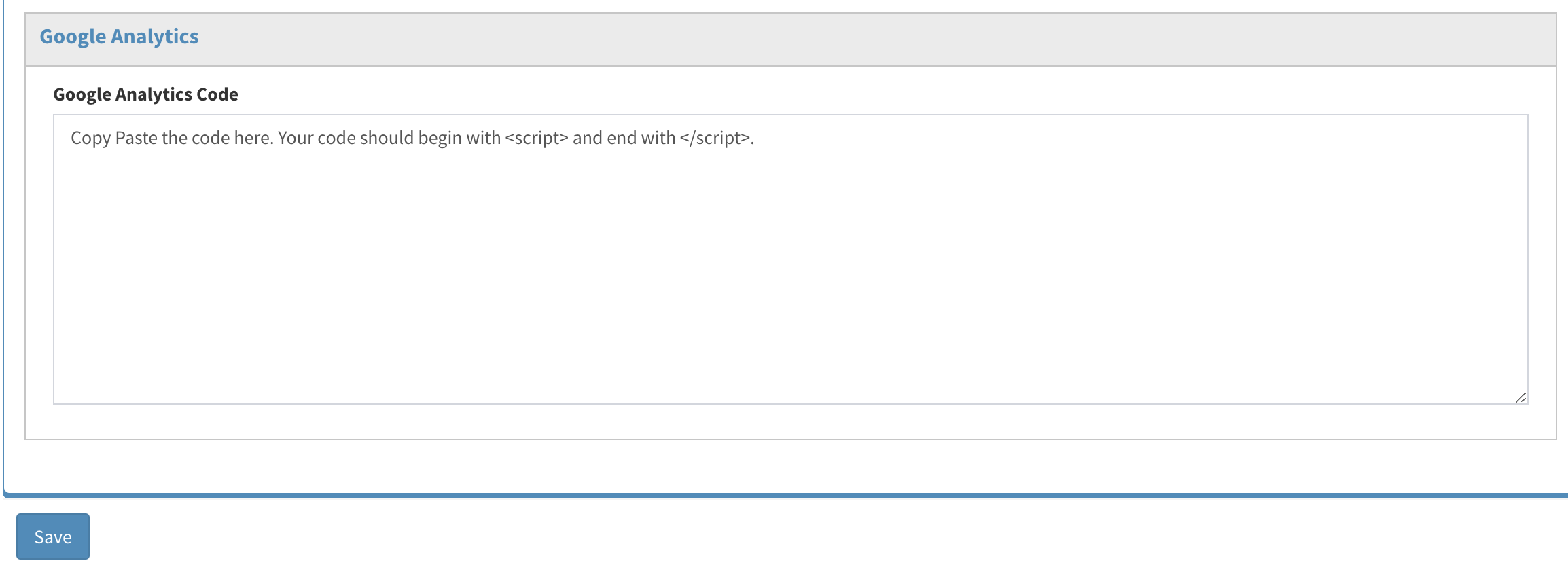
Once you have the code pasted here, click on Save.
NOTE: If you are non-technical and lack the expertise, ReviewNPrep can help you set up the code. Please open a support ticket for us from your Instructor portal to get help.