Header
In order to add items in the header or the footer of the website, kindly click on the Customize Header tab on the Menu Bar.
Video How-To
HEADER MENU
-
Select Header Menu to customize the Header.
-
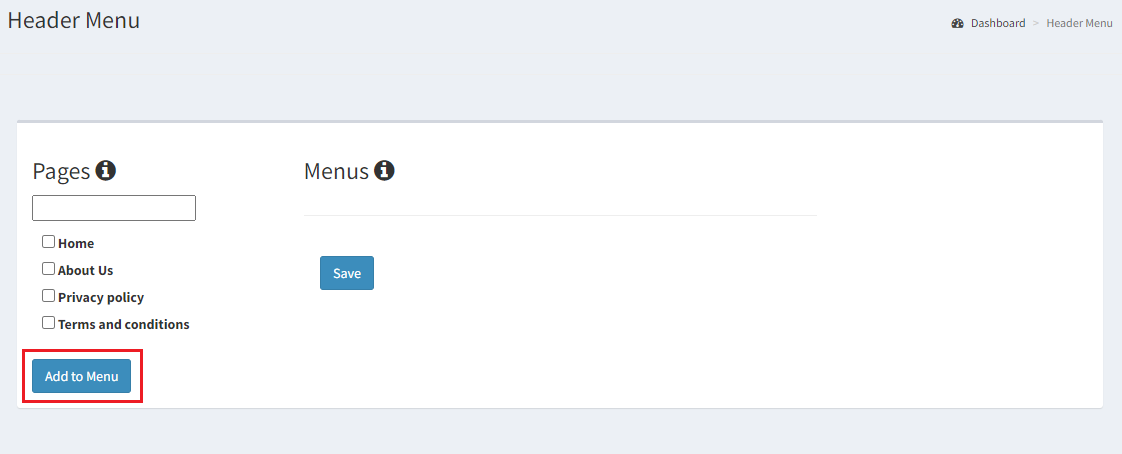
The Header Menu upon selected loads a Pages column and a Menu Column. All the pages created by you will be available in the pages column. The pages that you wish to add in the header can be selected by checking the box and clicking on Add to Menu.
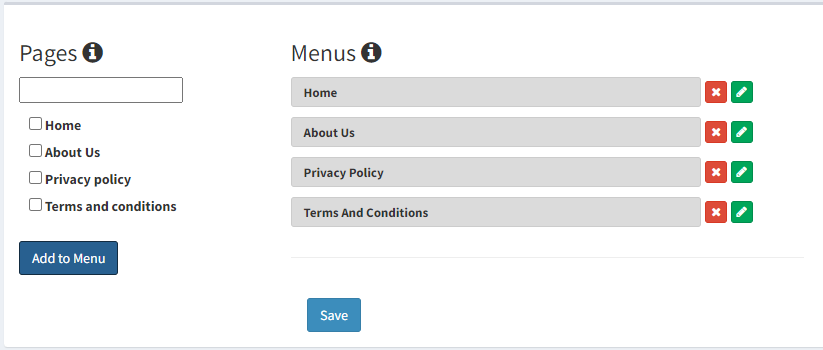
- The pages added to the menu can be located under the Menu column. Click on the red button to delete the respective page, and on the green button to edit the Label or Slug.
-
Before you change the label or slug make sure you have clicked on the "Save" button to first create the menu. In other words, "Add To Menu", should be followed by "Save". Once you do this, you can change the slug or the label.
-
The submenu in the header can be created by dragging the menu option to the right.
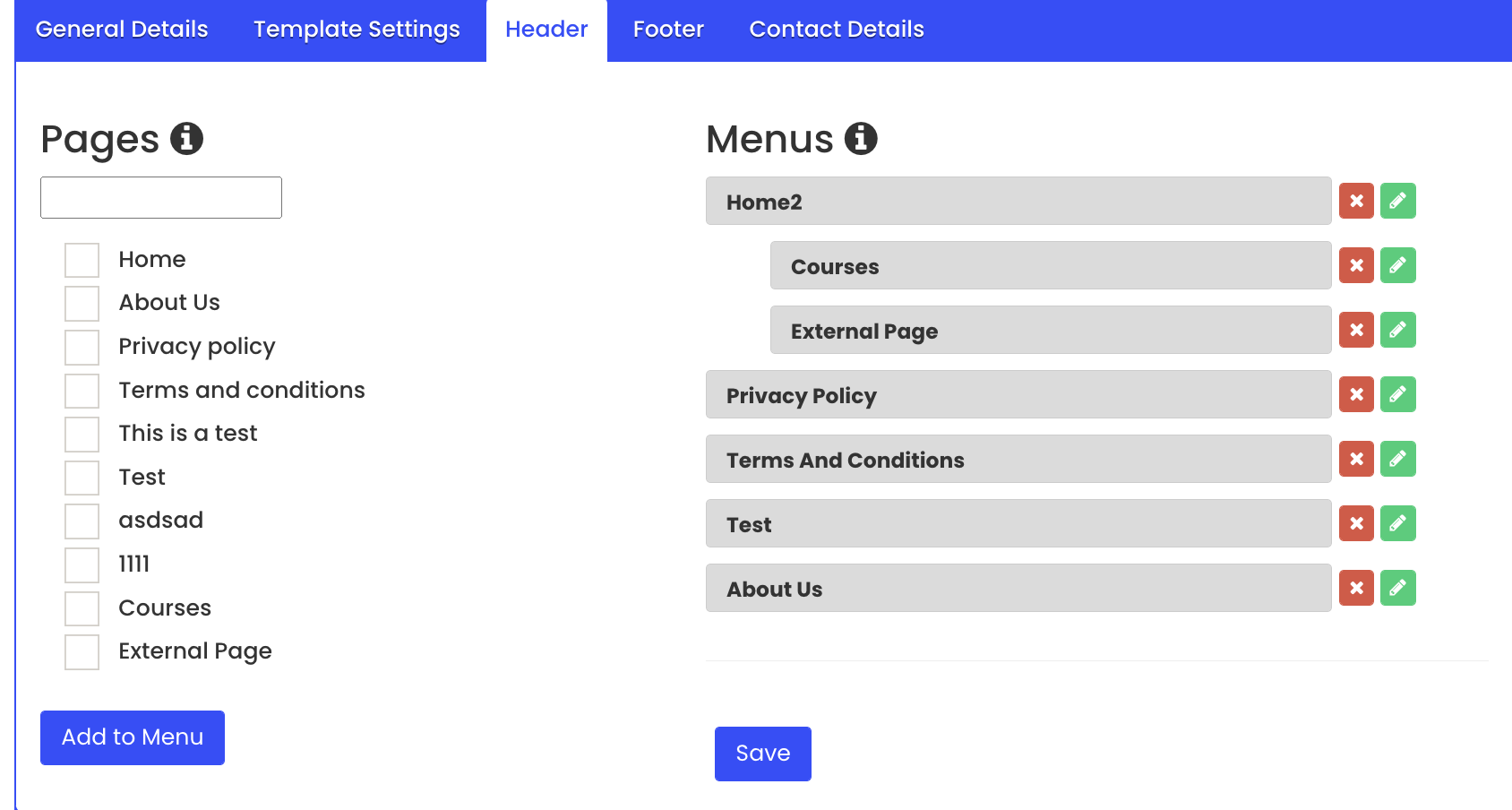
- Once done, click on Save to update the Header.