Footer
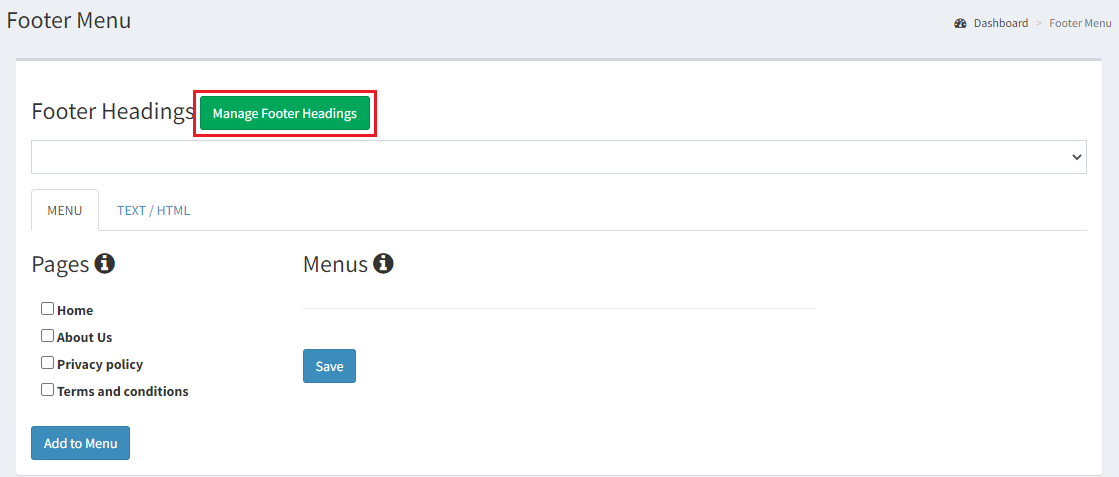
Select Footer Menu to customize the Footer.
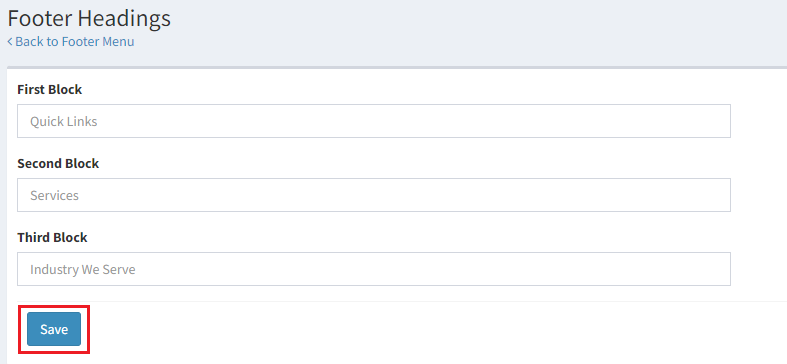
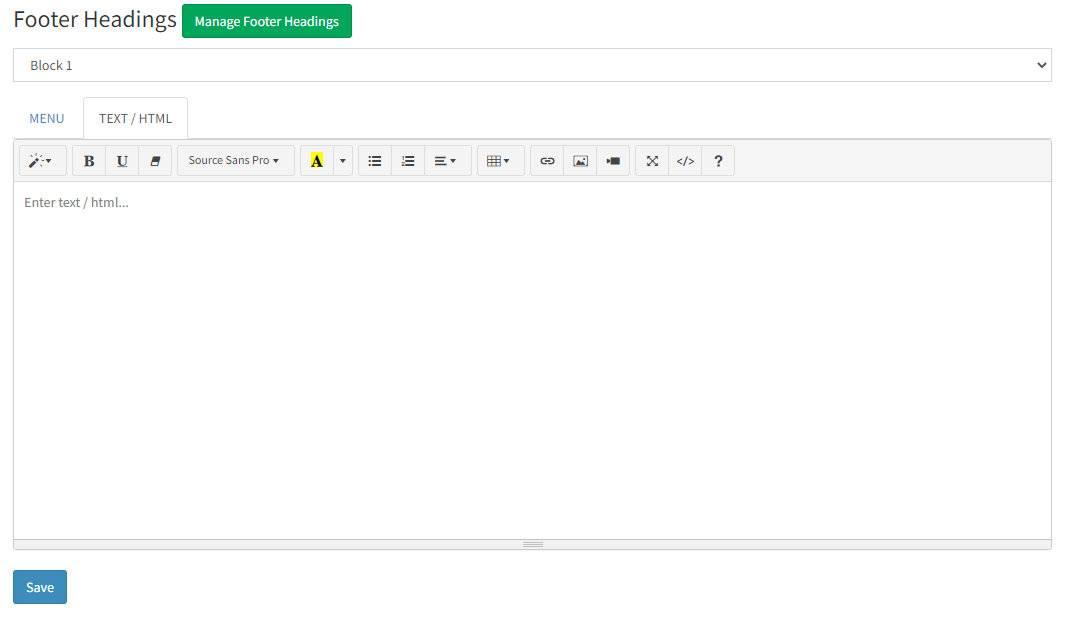
- The Footer Menu upon selection loads a Pages column and a Menu column. In addition to these columns, we also have the Manage Footer Headings option to update the first, second, and third block respectively. Once these blocks are added, kindly click on Save.
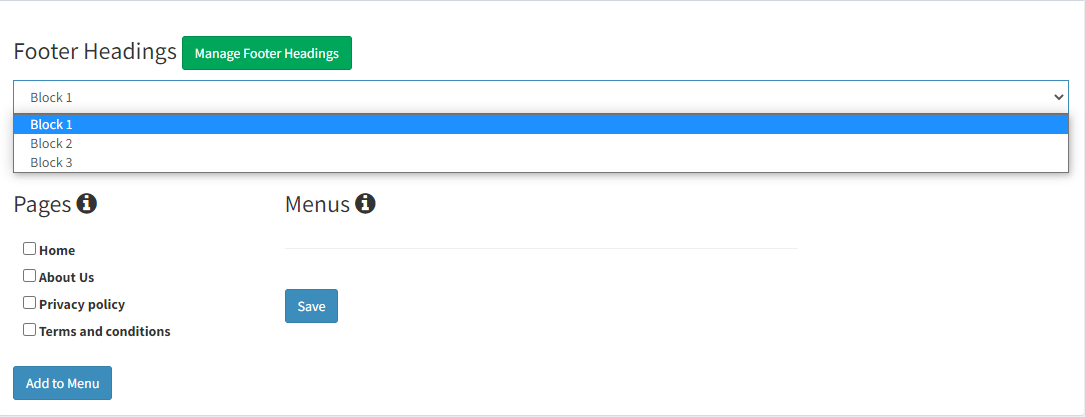
- From the drop down menu select the block for which you want to add the respective pages. Next, similar to the Header Menu, select the pages and click on Add to Menu.
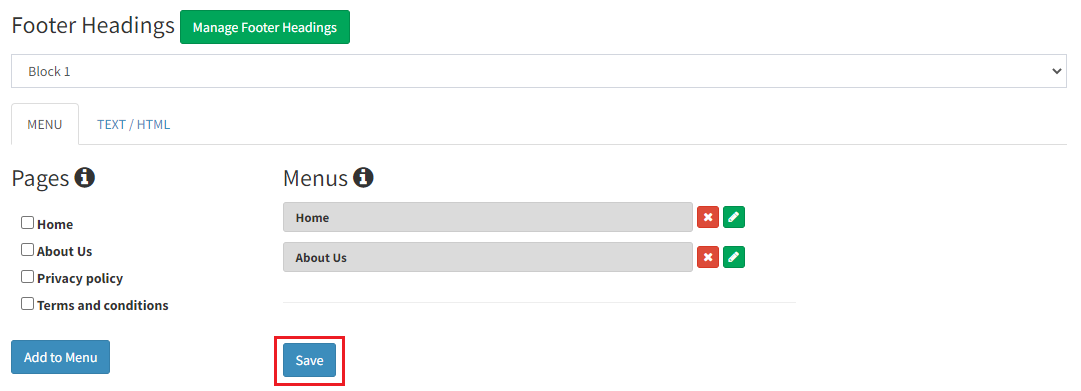
- Once added, they can be edited (Label or Slug) or deleted. Click on Save to update a particular Footer Block.
- Click on Text/HTML to customize Footer Page Headings. Follow the same process for all the blocks and save them.
5. Before you change the label or the slug make sure you have clicked on the "Save" button to first create the menu. In other words, "Add To Menu", should be followed by "Save". Once you do this, you can change the label or the slug.