Certificate Templates
Upon successful completion of a video course, an instructor can issue a certificate. There are templates available to do this. By default a certificate will be issued on completion of a course by a student.
As is the case with email templates, instructors should not delete anything within the ## signs. This is used to identify and fill the text at the time of issuing a certificate.
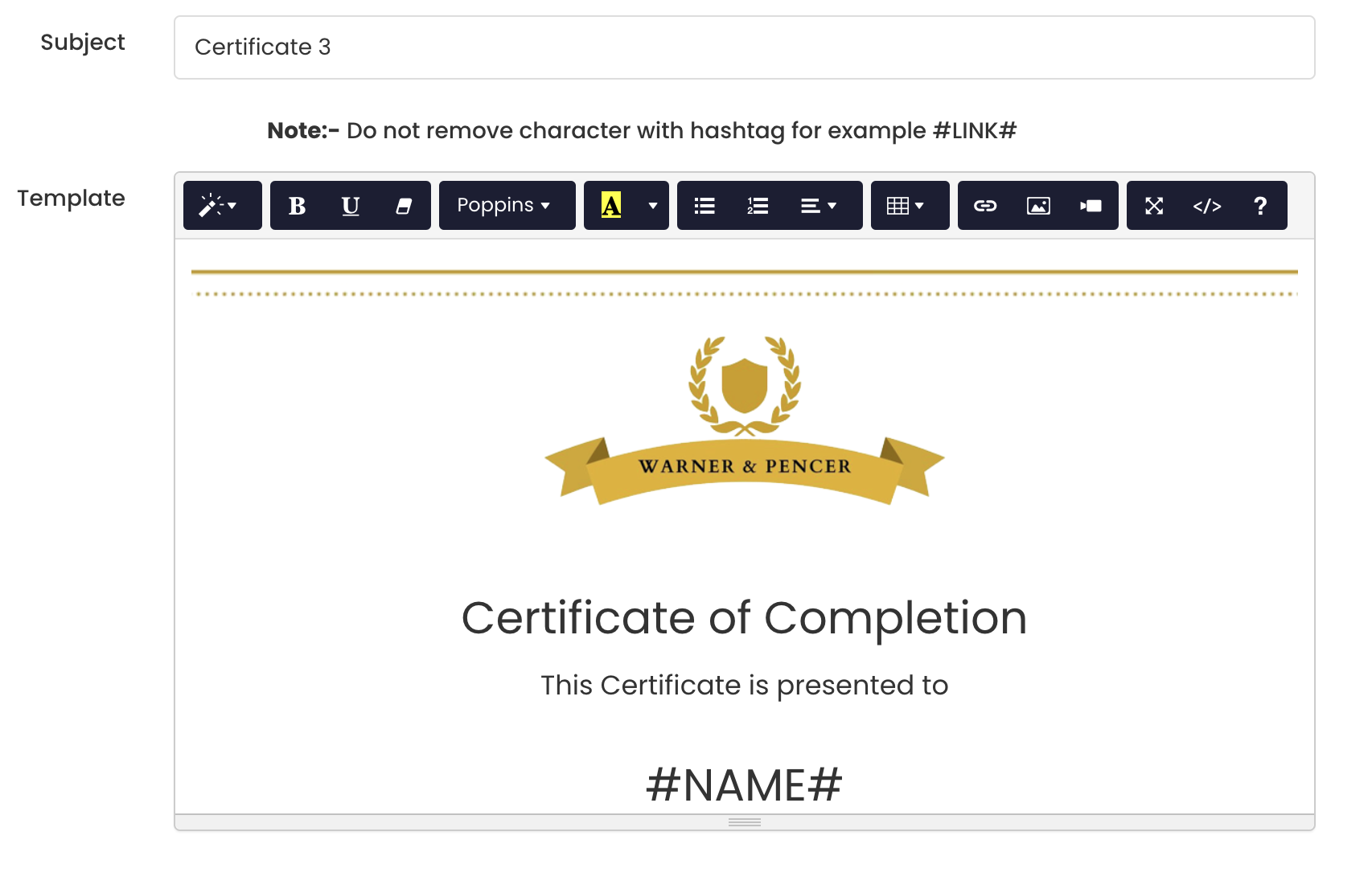
You can create your certificates provided you retain the information in "# #" below:
-
#NAME#- This is the name of the student
-
#INSTRUCTOR_NAME# - This can be your School name or name of the individual who is the author of the course.
3. #COURSE_NAME# - This is the course Name in which the student is enrolled in.
4 #DATE# - By default this is the completion date of the course. The system automatically detects when the course is completed by the student and populates the date.
- #MONTH_YEAR# - By default this is the completion month and year of the course. The system automatically detects when the course is completed by the student and populates the month and year.
You can delete any variable not applicable to you.
At a time only only one certificate can be made live. Once you choose the right template or create one, select Active from the dropdown and hit "Save"
