Managing Access
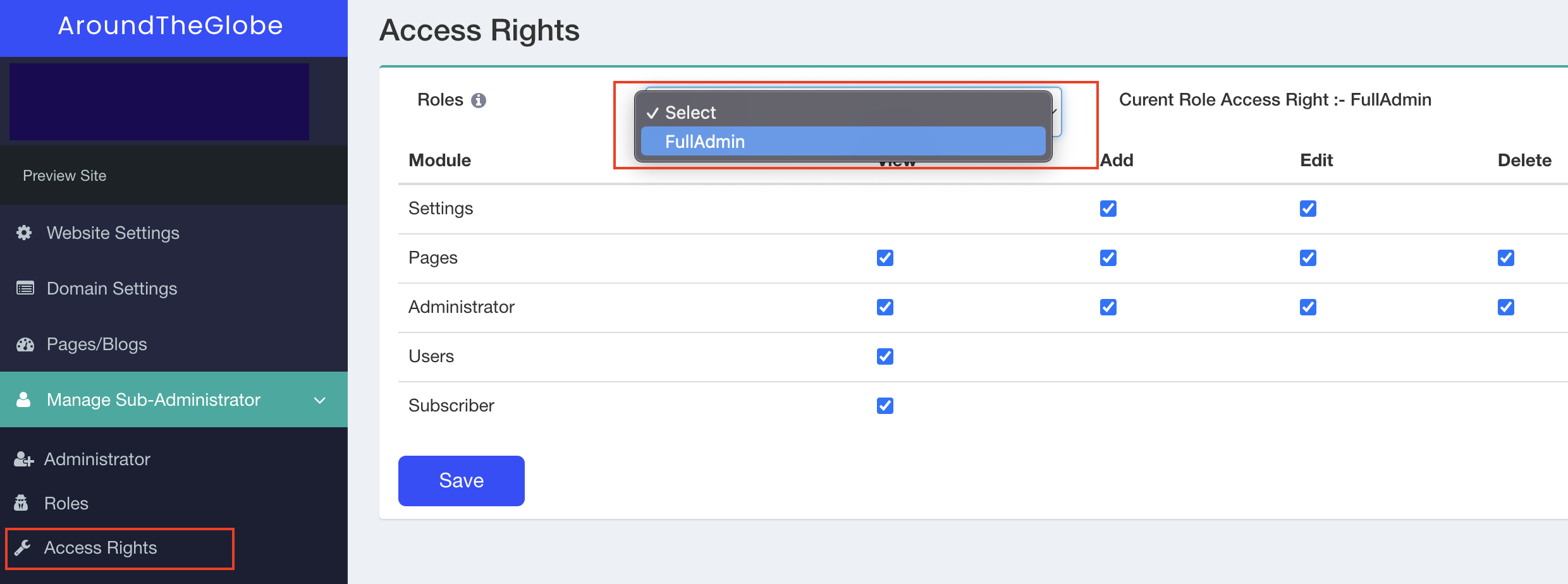
Once the roles are defined, it is important to assign the right level of access to the user. This option is limited to control access for this logged in portal.
Access Rights
- Select the Roles from the dropdown that you want to use.
- As the name suggests, different levels of access can be View, Add, Edit, and Delete.
- Click on the checkboxes that will control the access.