Adding An Administrator
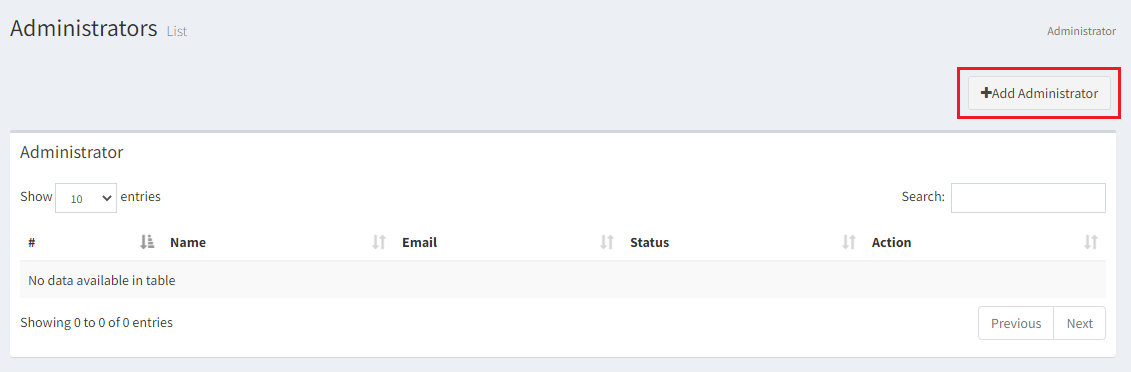
- Find the Administrator tab on the Menu Bar in order to add a co-administrator to your website. Click on Add Administrator.
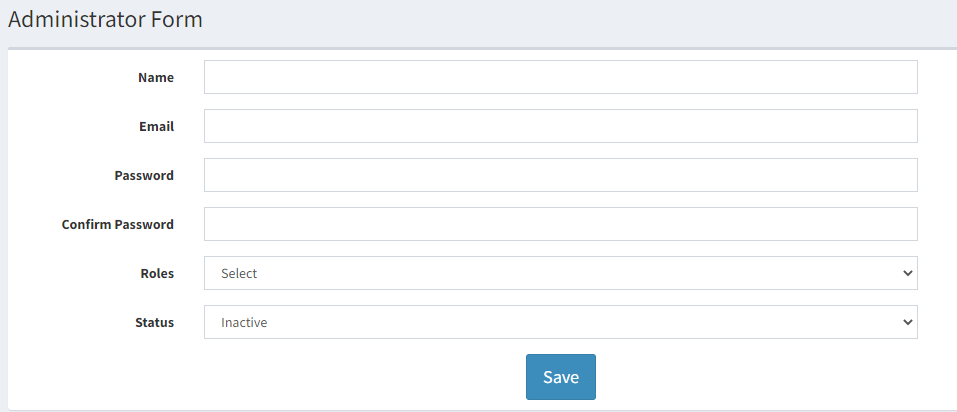
- You are expected to add a Name, Email, Create a password, confirm the same password, select a role from the drop down menu, and select the status from active/inactive.
-
Click on Save. A new administrator is added to your website.
-
An admin can login to both sub-domain and the main website (as instructor) ReviewNPrep.com/marketplace to access the courses.